

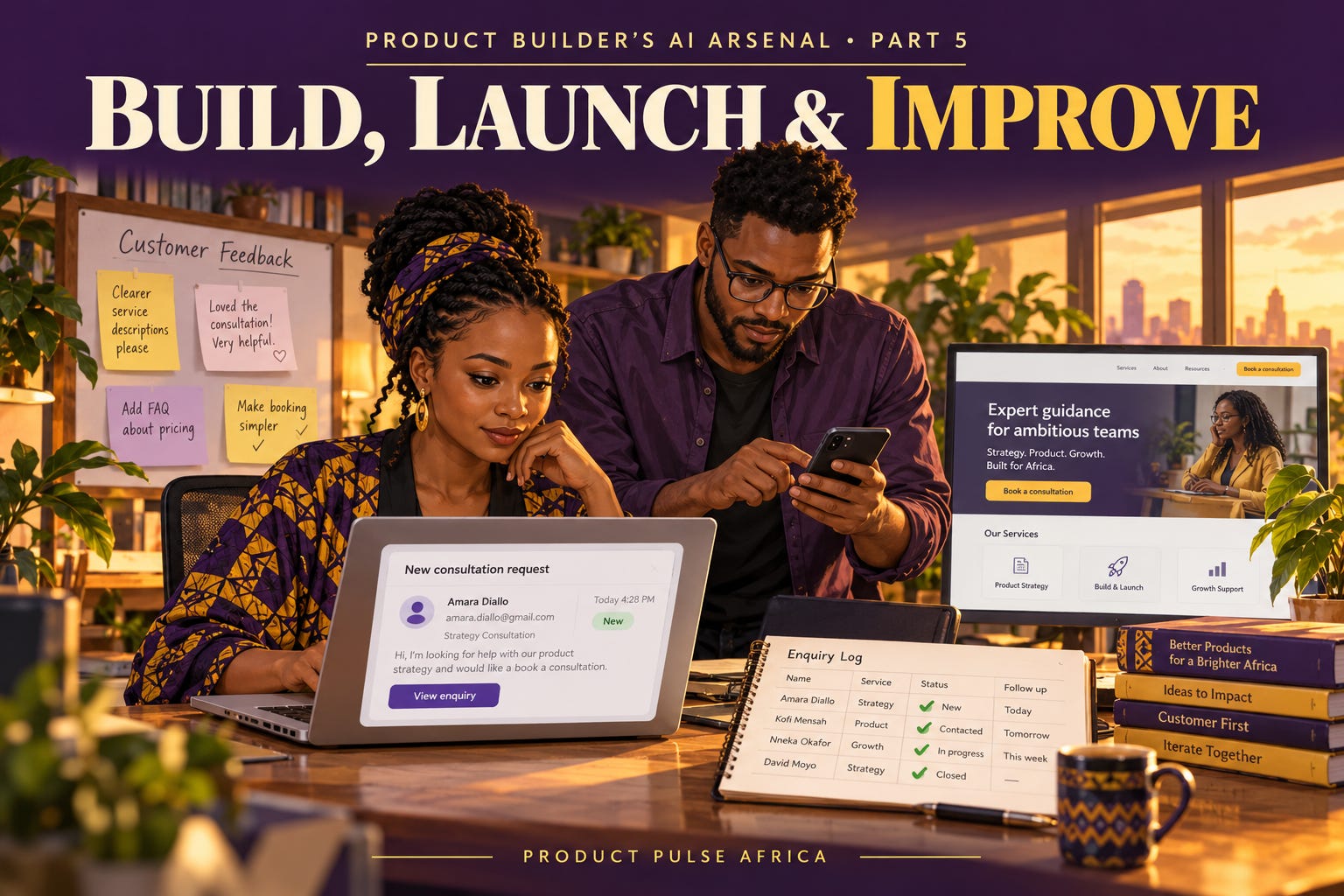
Your website says “Request received.” Your inbox is empty.
The customer believes they have contacted you. You have no record of their enquiry. Unless someone checks both sides, the failure can go unnoticed.
In Part 4, we explored how a hypothetical consultant could prototype a website where clients compare services and request a consultation. This final guide takes that journey into live use.
The goal is to make the complete service work: a client understands the offer, submits a request, receives a response, and knows what happens next. AI can help implement the journey, investigate its performance, and connect recurring tasks.
The consultant, launch figures, and customer observations below are fictional teaching examples.
1. Define what “working” means before building
A prototype may display a confirmation without saving anything. A live service needs a dependable record and someone responsible for responding.
For our consultant, the first release needs three service descriptions, an enquiry form, a saved request, and a notification. Scheduling can happen manually. Payments and client accounts can wait until there is a reason to add them.
Write the rules before asking AI to implement:
Save a valid enquiry before showing success.
Explain errors and preserve the customer’s input.
Let the consultant find saved requests even if an email notification fails.
Make clear that requesting a consultation does not reserve an appointment.
Those rules give you something concrete to check. Try this prompt with your coding assistant:
Implement the consultation enquiry journey using the requirements below. Explain where requests are stored and how the consultant accesses them. Handle invalid inputs and submission failures. Keep credentials out of browser code. Add tests against the stated rules, and report what you tested, what failed, and what remains unverified.
Review the result and test the deployed version yourself. If you cannot assess the implementation, get someone who can before collecting real customer information.
Complete the task on a phone, using the connection conditions your audience encounters. For a consultant serving clients in Nairobi, test with intended clients’ devices and mobile connections. A desktop preview leaves those conditions untested.
Check the wording too. “Enter a valid email address” gives a correction. “Something went wrong” leaves the customer guessing. W3C’s form-notification guidance recommends clear outcomes and understandable instructions for fixing errors.
2. Launch at a scale you can support
An early launch should give you enough real activity to learn while leaving you able to respond personally.
Our consultant could invite a small group of prospective clients to use the website for genuine enquiries. Explain what they can do and when to expect a reply. Avoid asking everyone to browse and “share thoughts”; that tells you less about completing a meaningful task.
AI can draft the invitation, customer instructions, and a response template. Give it the actual service scope and response capacity.
If the website promises a reply within one working day, the consultant needs time set aside to deliver it. Automated acknowledgement confirms receipt; a useful response addresses the client’s request.
Before inviting people, check one complete enquiry from submission through to response. Keep a way to disable the form or direct clients to another contact channel if it fails.
Include ongoing costs in the launch decision: hosting, subscriptions, notifications, maintenance, and time spent correcting generated work. A small service can become expensive to operate if every enquiry creates several paid steps or requires manual repair.
3. Measure the journey, then investigate the gaps
Decide what you need to learn before collecting events. Here, the question is whether prospective clients can enquire and receive a useful response.
For a small launch, a basic enquiry log may be sufficient. Record submission time, selected service, response time, and consultation status. Separate test submissions from genuine requests.
Imagine this fictional review of one launch cohort:
Imagine this fictional review of one launch cohort:
40 people viewed a service page. Were they intended clients or casual visitors?
12 started the enquiry form. What prompted them to enquire?
8 submitted successfully. What happened during the four unfinished attempts?
5 received a reply within the promised time. Why were three replies late?
3 attended a consultation. What happened between enquiry and attendance?Assume the counts refer to distinct people in the same cohort, with enough time allowed for follow-up.
Eight of twelve form starters submitted successfully. That locates a gap. It does not establish that the form was too long. Someone may have lost connection, reconsidered, or needed information they could not provide.
The late replies reveal another investigation. Improving the form would leave the response delay unresolved.
Ask AI:
Review this launch data. Separate observations from possible explanations. For each gap, identify the records or customer conversations needed to investigate it. Do not infer causes from counts alone. Flag missing definitions, tracking problems, and small-sample limitations.
Check tracking before trusting the analysis. A click on “Submit” should not count as a saved enquiry. GOV.UK’s performance-data guidance makes the useful connection: locate drop-offs with data, then use research to understand why.
4. Make one change you can assess
Suppose follow-up conversations reveal that two prospective clients stopped because the form required a company website. Neither had one.
That supports making the field optional or removing it if the consultant does not need it. It gives you a specific change with a reason.
Ask AI to implement that change and check that it preserves submission, storage, and notification behaviour. Record the observation, change, release date, and outcome you will review.
After release, watch whether clients without websites can complete the form. Continue checking response times. More enquiries can increase the workload and make late replies worse.
A higher completion rate in the next small cohort would be encouraging, but could also reflect different visitors. Describe what happened without claiming the change caused it unless your evidence supports that conclusion.
Completing an enquiry also leaves commercial demand partly unresolved. Track whether consultations lead to suitable paid work and whether the consultant can deliver it profitably.
5. Automate a process you understand
Once the consultant knows how enquiries are handled, recurring steps become easier to specify.
A useful workflow might save the request, send an acknowledgement, notify the consultant, and flag unanswered enquiries after the promised response window. The reply itself may still need personal judgment.
These are three different tool roles within this final AI Arsenal category:
Codex — Implement features and investigate code problems
Use it to work on the enquiry journey. Check whether the deployed version satisfies your rules for submission, storage, and notifications.
Amplitude AI — Explore tracked product behaviour
Use it to ask questions about customer activity and explore charts. Check the event definitions and supporting data before accepting an interpretation.
n8n — Connect recurring tasks
Use it to connect enquiry records, acknowledgements, and notifications. Configure failure alerts and assign someone to resolve them.
These are examples of capabilities, not a required shopping list. A small enquiry log and manual follow-up may serve the first launch well.
Amplitude’s documentation stresses clear data, useful context, and enough activity for analysis. n8n documents error workflows that can alert someone when execution fails. Configure and test those alerts; naming a workflow “automated” does not make its failures visible.
Use fixed templates for predictable acknowledgements. AI-generated wording adds little when the message only needs to confirm receipt and state the response window.
Keep customer information limited to what the service needs, and use approved tools for analysis. Include a manual recovery route for requests that were saved but never reached the consultant’s inbox.
Before your next launch, run one customer task from beginning to end. Record what happens when it succeeds, what happens when it fails, and who handles the next step.